Data Surfer V3.9: Public API, Chrome Extension & More
Table of Contents
Build, Extend, Engage
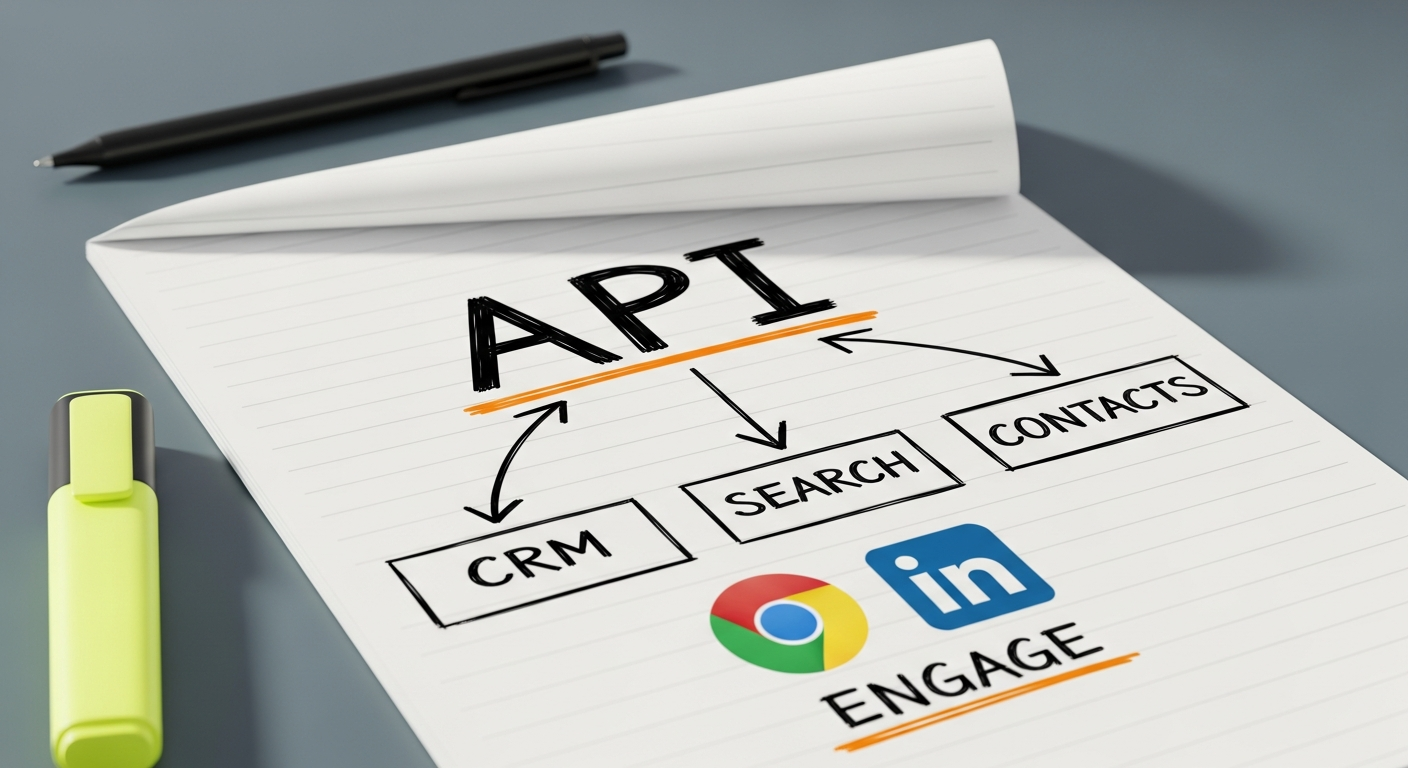
V3.9 opens Data Surfer up. The new Public REST API lets you integrate company and contact intelligence directly into your workflows, CRM, or internal tools. The Chrome Extension for LinkedIn brings Data Surfer's engagement recommendations into your browser as you work LinkedIn. And the updated Pipedrive Integration now supports two-way sync with enrichment built in.
What's New in V3.9:
- Public REST API- Full API with key management and interactive docs
- Chrome Extension for LinkedIn- Guided lead engagement on LinkedIn
- Pipedrive Integration- Two-way sync with enrichment and research
- Smarter Search- LinkedIn URLs, AI quality filter, terminology discovery
- Security Hardening- Rate limiting, session management, stronger passwords
- Signals Improvements- Notes, editable drafts, recommendation history
Major Features
View API Docs
View on Chrome Web Store
View on Pipedrive Marketplace
The Data Surfer API
Everything you can do in the Data Surfer dashboard is now available programmatically. The API uses standard REST conventions with JSON request and response bodies, bearer token authentication, and clear error codes. Interactive documentation lives at api.data-surfer.com where you can test endpoints directly.
Key Endpoints
What You Can Build
CRM Enrichment Pipelines
Pull company intelligence and contact data into your CRM automatically. Run research templates against new accounts as they enter your pipeline.
Custom Lead Scoring
Combine Data Surfer's AI analysis scores with your own criteria to build lead scoring models tailored to your business.
Internal Dashboards
Surface company research and contact data in your team's existing tools. No need to context-switch into another platform.
Chrome Extension for LinkedIn
Most Chrome extensions for LinkedIn automate actions on your behalf and risk getting your account restricted. The Data Surfer extension takes a different approach: it guides you through recommended engagement actions while you stay in full control. Every follow, comment, and connection request is yours to make (or skip).
How It Works:
Recommendations Queue
Data Surfer builds a queue of engagement actions based on your cold outreach and warm lead lists. Follow this company page. Comment on that contact's recent post. Connect with a decision maker.
Guided Navigation
The extension takes you directly to the relevant LinkedIn page or post. No searching, no scrolling through feeds. You land exactly where you need to be.
Suggested Comments
For comment actions, Data Surfer suggests what to write based on the post content and your relationship with the prospect. Edit, rewrite, or ignore the suggestion entirely.
Auto-Advance
Complete or dismiss an action and the extension moves to the next recommendation automatically. Work through your engagement queue efficiently without losing momentum.
Your LinkedIn Account Stays Safe
The extension never performs actions on your behalf. It does not click buttons, submit forms, or send messages automatically. LinkedIn's terms of service prohibit automation, and Data Surfer respects that. You are the one engaging, the extension just tells you where and gives you ideas.
Other Improvements
Contact Finder & Search
- LinkedIn URL returned in deep search and company lookups where available
- AI quality filter on company search results to reduce irrelevant matches
- Industry-specific terminology discovery for more precise company matching
Security
- Rate limiting introduced across the platform
- Sessions invalidated on password change
- Password change email notifications
- Minimum password length increased to 12 characters
Signals
- Notes and guidance for cold outreach leads
- Editable recommendation comments and drafts
- View and restore dismissed recommendations
- Full recommendation history showing actions taken over time
Missed the previous release? Read about V3.8: Cold Outreach, Warm Leads & Automations. Up next: V4.0: Intelligent Outreach, MCP for Claude & Email Sync.
Frequently Asked Questions
Backed by startup programs from